When a Reddit video download fails, 90% of errors are caused by an incomplete URL, a deleted/private post, or using a video downloader on an image gallery or external embed. To fix a broken download immediately, return to the Reddit post, tap Share → Copy Link, and paste the full URL into the Reddit Video Downloader.
Use the quick diagnostic table below to match your symptom with the exact fix.
Quick Diagnostic Table: 8 Common Reddit Download Errors
| Symptom / Error | Root Cause | Instant Fix |
|---|---|---|
| "Invalid or Unsupported Link" | Partial URL or truncated chat link | Re-copy via Share → Copy Link |
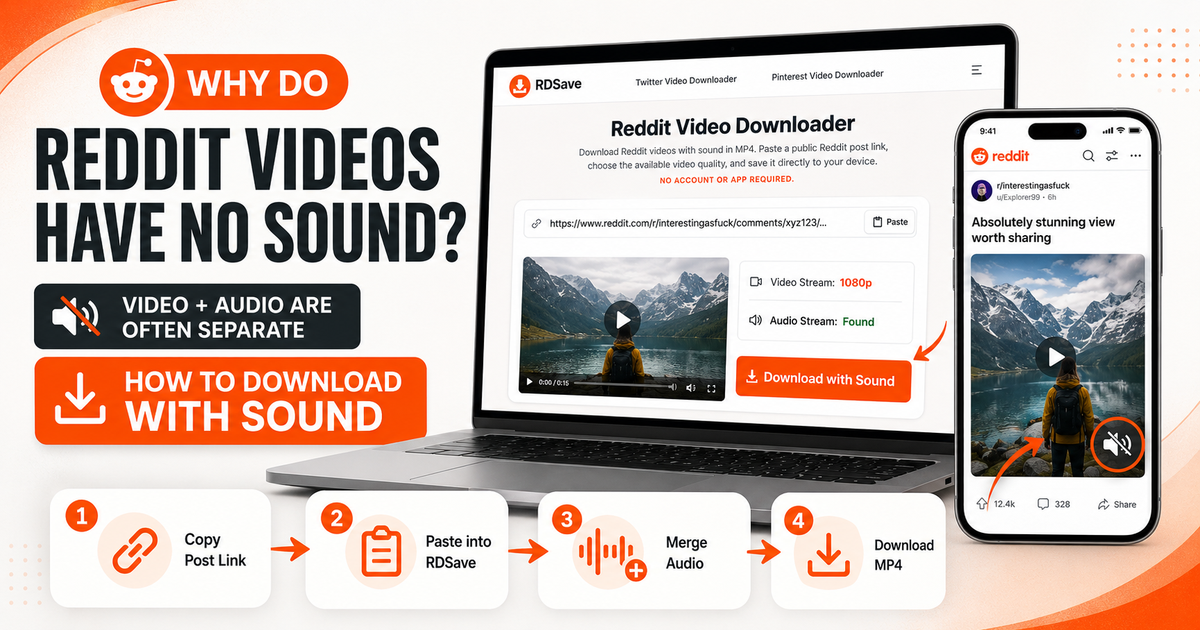
| Downloaded Video Has No Sound | Tool grabbed v.redd.it video without DASH_audio | Re-download via RDSave Video Downloader |
| "No Media Found" on Photo Post | Post is an i.redd.it image or /gallery/ carousel | Use Reddit Image Downloader |
| Post Loads Forever or 403/404 | Post was deleted or is in a private subreddit | Verify post opens in an Incognito tab |
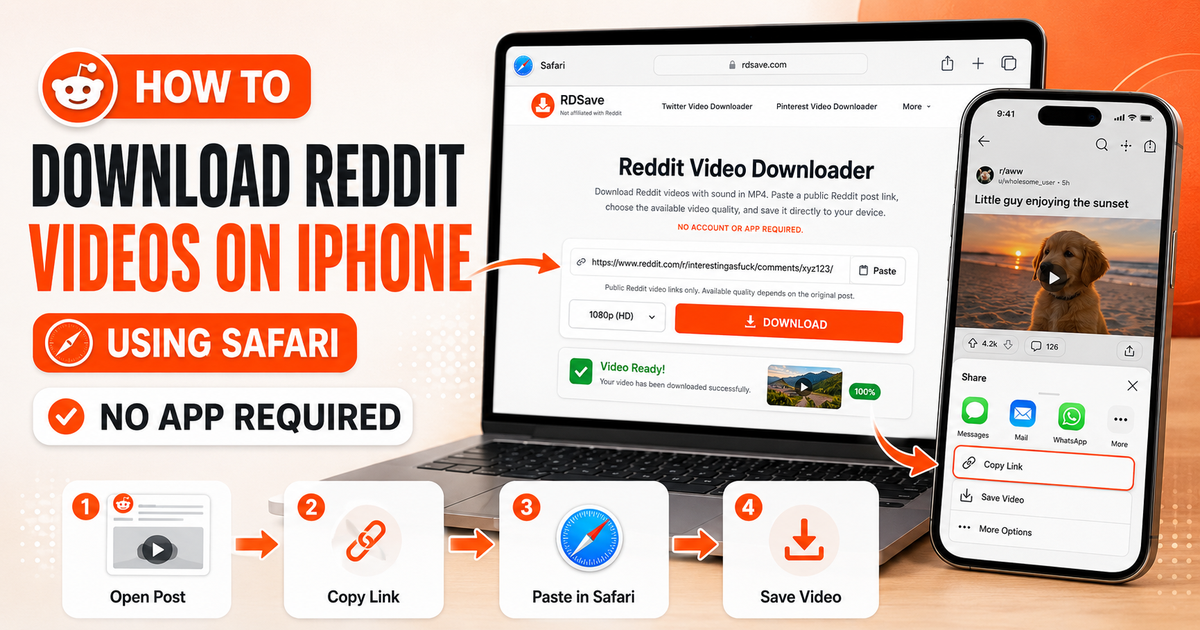
| Saved File Not in iPhone Photos | Safari saves .mp4 to the iOS Files app first | Tap Share → Save Video |
| Only Need Audio / Music Track | Downloading full video wastes bandwidth | Extract audio via Reddit to MP3 |
Problem 1: You Copied the Wrong Link
This is the number-one cause of failed Reddit downloads.
Users often copy:
- a partial browser URL;
- a preview URL;
- an incomplete share link;
- a media snippet instead of the post itself.
Fix
Go back to the Reddit post, tap or click Share, and choose Copy Link. Then paste that full post URL into the downloader again.
Problem 2: The Post Is Not Public
RDSave is intended for publicly accessible Reddit content. If the post is private, deleted, restricted, or otherwise unavailable, the media may not be accessible to the downloader.
Fix
Open the post normally in your browser or the Reddit app. If you cannot access the post yourself, the downloader usually cannot access it either.
Problem 3: The Post Is Not a Standard Video
A lot of download problems happen because the user assumes every Reddit media post is a video. But Reddit posts may be:
- images;
- galleries;
- GIF-style looping posts;
- external embeds;
- regular videos.
Fix
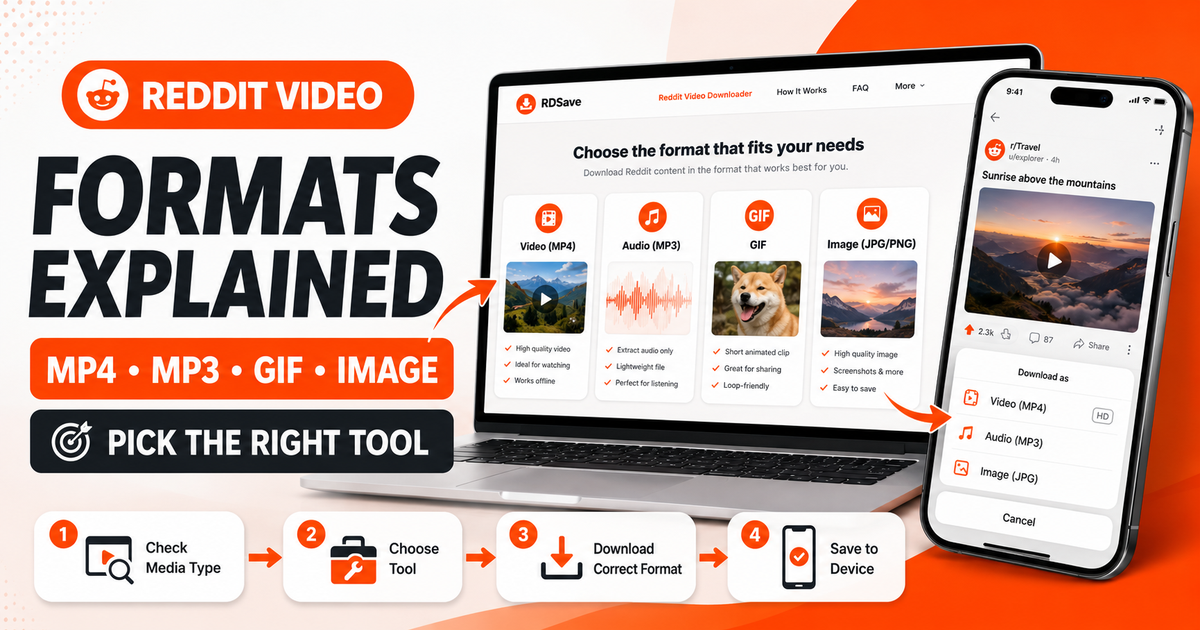
Use the right tool:
- Reddit Video Downloader for full videos.
- Reddit to MP3 for audio only.
- Reddit Image Downloader for still images and galleries.
- Reddit GIF Downloader for looping or GIF-style posts.
Problem 4: The Video Downloads Without Sound
Sometimes users describe this as “not working” even though the file technically downloaded. In reality, the issue is missing audio.
This usually happens because Reddit served separate video and audio components and the wrong method captured only the visual part.
Fix
Reprocess the full Reddit post URL with the Reddit Video Downloader rather than trying to save the visible media directly.
You can learn more in Why Reddit Videos Have No Sound.
Problem 5: The Original Post Is Silent
Not every silent output is an error. Some Reddit uploads genuinely have no audio track.
Fix
Play the post on Reddit itself. If the original post has no sound, your downloaded file should also be silent.
Problem 6: The Post Uses an Unsupported External Source
Reddit often hosts media itself, but not always. Some posts embed content from another platform.
Fix
If the media is not actually Reddit-hosted, a Reddit-specific downloader may not support it. Confirm the post structure before troubleshooting further.
Problem 7: The Post Was Deleted or Removed
Links can spread quickly across Reddit, but the original content does not always remain available. If a post or its media has been removed, a downloader may no longer have access to the file.
Fix
Refresh the post and verify that the media still loads publicly.
Problem 8: The Browser Session Failed
Occasionally, the issue is not the Reddit media itself but a temporary browser hiccup.
Fix
- Refresh the page.
- Paste the link again.
- Try another modern browser.
- Check that your connection is stable.
This should be a later troubleshooting step, not the first one.
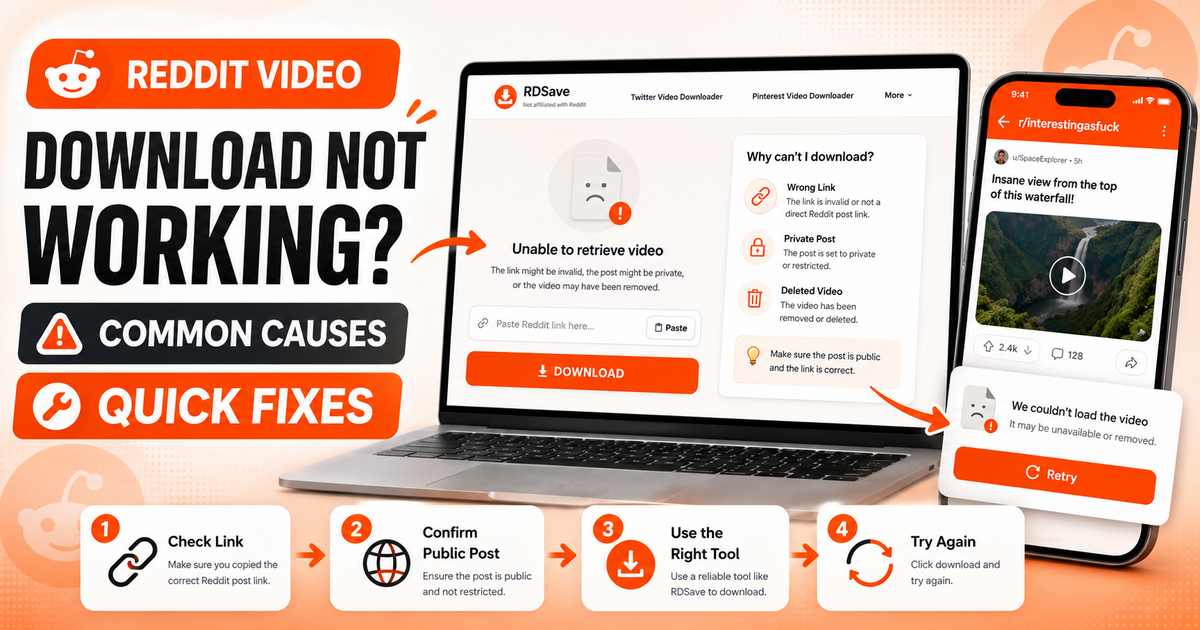
A Reliable Troubleshooting Workflow
When a Reddit video will not download, use this order:
- Open the original Reddit post.
- Confirm the post is public.
- Confirm the post actually contains a video.
- Check whether the video has sound on Reddit.
- Copy the full post URL via Share.
- Paste it into the Reddit Video Downloader.
- Retry the download.
This structured workflow is faster than randomly trying different pages or buttons.
When to Switch Tools
A failed video download can simply mean you are solving the wrong problem.
You only need the audio
Use Reddit to MP3.
The post is a photo or gallery
Use Reddit Image Downloader.
The post is a GIF-style loop
Use the Reddit GIF Downloader.
Using the correct tool reduces confusion and helps each page rank for its own intent instead of overlapping unnecessarily.
Best Practices to Prevent Download Errors
- Copy the full Reddit post URL.
- Use the correct RDSave tool for the post type.
- Test the original post before assuming the download is broken.
- Avoid relying on scraped preview links or partial media links.
- Re-check posts that may have been deleted, restricted, or removed.
Final Thoughts
“Reddit video download not working” sounds like one problem, but it usually describes several different situations: invalid link, unsupported media, silent video, private post, or wrong tool choice.
Once you narrow down the cause, the fix is usually straightforward.
Start with the Reddit Video Downloader for normal Reddit videos, and use the supporting tools when the media type is different. That approach solves far more problems than jumping between random methods.
FAQ
Why does a Reddit link say it cannot be processed?
The link may be incomplete, private, deleted, or attached to an unsupported media type.
Why did the file download but still feel broken?
Because the issue may be missing sound rather than a failed download.
Can private Reddit posts be downloaded?
Public accessibility matters. Private or inaccessible posts may not be downloadable.
What should I try first?
Copy the full post URL again and retry with the correct RDSave tool.