To download a Reddit video on Android with sound, tap Share → Copy Link inside the Reddit app, open RDSave in Chrome (or Samsung Internet), paste the URL, and tap Download to save the merged .mp4 directly into your phone's Gallery and Downloads folder. Unlike saving directly from a basic browser tab, our extractor automatically combines Reddit's separate v.redd.it video and audio tracks so your saved clip never plays back silent.
This guide covers the fastest Android download workflow, where downloaded files are stored in Google Photos and Gallery, and how to extract MP3 audio or multi-image galleries on Android.
Android Reddit Download Options Compared
| Android Method | Sound Preserved? | File Format | Gallery Indexing | Extra APK Needed? |
|---|---|---|---|---|
| RDSave Web Downloader | Yes (Merged Audio + Video) | .mp4 (H.264/AAC up to 1080p/4K) | Automatic in Gallery & Google Photos | No (Runs in Chrome) |
| Reddit to MP3 | Audio Track Only | .mp3 (Up to 320kbps) | Appears in Music & Files apps | No |
| Long-Press "Download Video" | No (Video stream only) | Silent .mp4 | Yes, but plays without sound | No |
Quick Answer
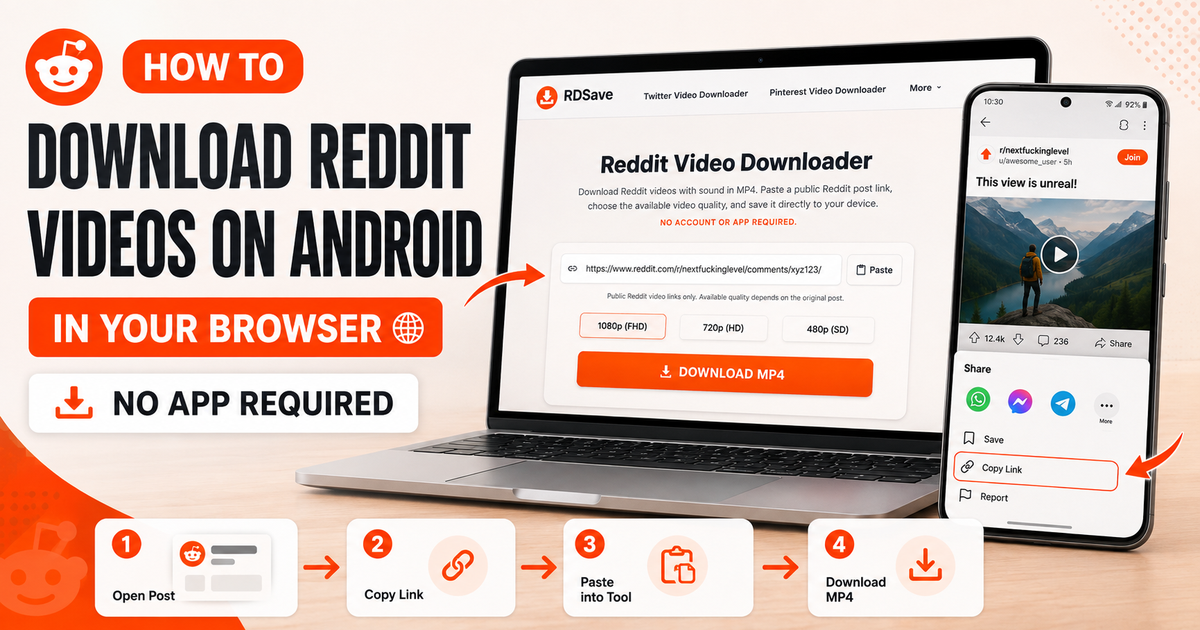
To download a Reddit video on Android:
- Open the Reddit post and tap Share → Copy Link.
- Open RDSave in Chrome or your preferred Android browser.
- Tap Paste and tap Download.
- Choose your preferred HD
.mp4quality to save it straight to your Android Gallery.
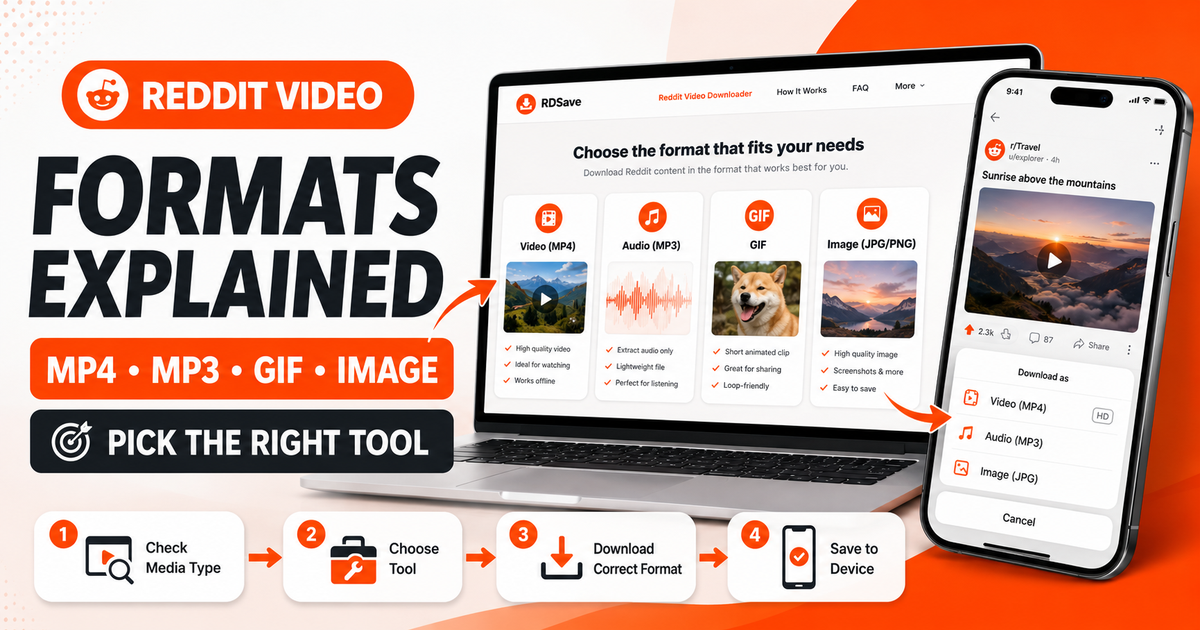
If you only need the audio track, follow our How to Convert Reddit Video to MP3 guide, or use our Reddit Image Gallery Guide for multi-photo posts.
Why Android Users Sometimes Still Run Into Problems
Android itself is download-friendly, but Reddit content can still create friction because:
- some Reddit videos are not a single simple file;
- audio and video may be handled separately;
- users often copy the wrong URL;
- not every Reddit post is actually a video.
Many issues can be avoided by starting with the right post link and using a Reddit-specific downloader rather than trying to scrape the media manually.
Step-by-Step: Download Reddit Videos on Android
1. Open the Reddit post
Find the post with the video you want to save.
2. Tap Share
Use Reddit's own Share button.
3. Tap Copy Link
Copy the complete Reddit post URL.
4. Open RDSave in Chrome or another browser
Open the Reddit Video Downloader page.
5. Paste the Reddit URL
Tap the input field and paste the link.
6. Tap Download
RDSave will process the post and display the available download option.
7. Save the MP4
Download the file to your Android device.
Most browsers will place it in the Downloads folder automatically.
Where Are Reddit Downloads Saved on Android?
Usually, your downloaded file will appear in one of these locations:
- the browser's download list;
- the Android Downloads folder;
- the Files app;
- your device's file manager.
If you cannot find the video, search for recent downloads first before assuming the process failed.
How to Download Reddit Videos With Sound on Android
The easiest way to avoid silent downloads is to use the post URL rather than trying to save the video directly from the Reddit feed.
When a public Reddit post contains audio, the Reddit Video Downloader can prepare the video with its available sound. If the original video never had audio, the result will remain silent.
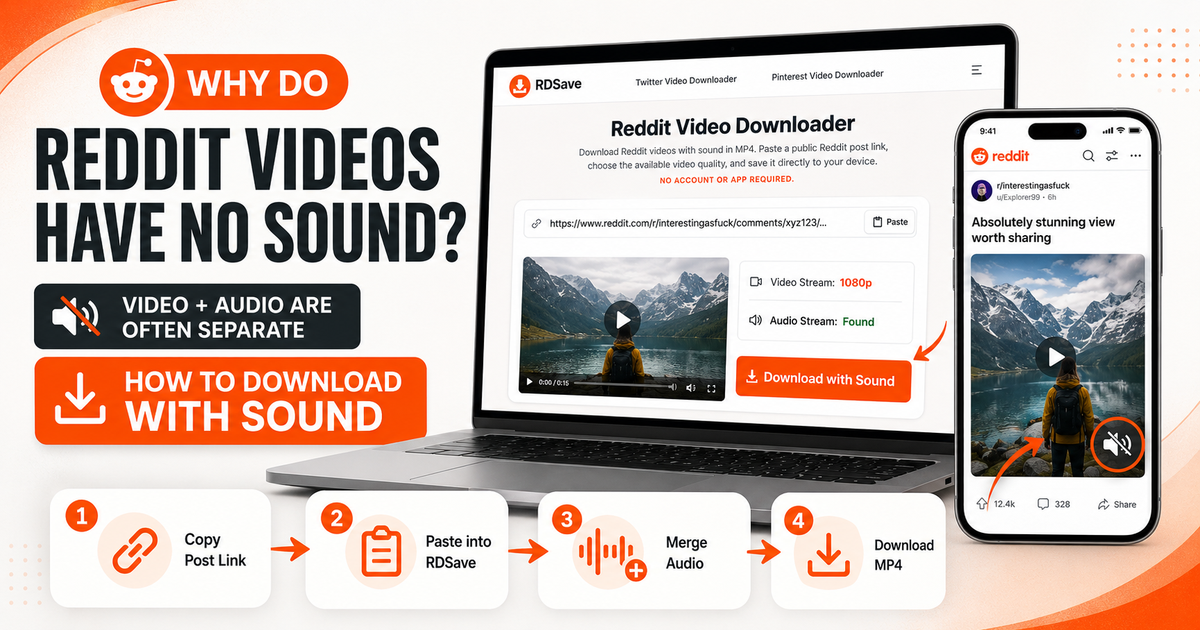
If you keep seeing silent results, read Why Reddit Videos Have No Sound to understand the underlying cause.
Common Android Problems and Fixes
The Reddit link does not work
Copy the link again using Share → Copy Link.
The video downloaded without sound
Check whether the original Reddit post has audio. If it does, process the full post URL rather than using a direct media save.
The file will not play
Make sure the download completed properly and try the file in a standard video player.
I cannot find the downloaded file
Open your browser's downloads list or the Android Downloads folder.
The post is not a standard video
If the Reddit post is a gallery, use Reddit Image Downloader. If it is a looping GIF-style animation, use the Reddit GIF Downloader.
Audio Only vs Video
Sometimes users think a video download failed when they actually only wanted the soundtrack. If your goal is to listen rather than watch, the correct tool is Reddit to MP3.
That creates a cleaner experience because you are extracting the available audio instead of saving the full MP4.
Android Tips for Better Results
- Use Chrome, Firefox, or another modern browser.
- Copy the full post URL.
- Confirm the post is public and still available.
- Match the tool to the content type.
- Let the browser finish the download before opening the file.
These small habits remove most of the avoidable issues users encounter.
Do You Need an Android App?
Not necessarily. A browser-based workflow is usually enough for public Reddit posts.
That gives you several advantages:
- no installation;
- no extra permissions;
- easier access from any Android browser;
- a quicker path from copied link to saved file.
For many users, that is simpler and safer than installing a separate app just for occasional downloads.
Final Thoughts
Downloading Reddit videos on Android is straightforward once you stop treating Reddit like a regular one-file video host. Use the post link, process it through the Reddit Video Downloader, and download the resulting MP4.
If you only want the sound, switch to Reddit to MP3. For still-image posts, use the Reddit Image Downloader. For looping animation posts, use the Reddit GIF Downloader.
A simple browser workflow is usually all you need.
FAQ
Can I download Reddit videos on Android without an app?
Yes. A modern browser is usually enough.
Why is my Reddit video silent after downloading?
Because Reddit-hosted media may separate video and audio, or the original post may be silent.
Where do downloaded Reddit videos go on Android?
Usually to your browser's downloads list or the Downloads folder.
What if I only want the audio?
Use Reddit to MP3.